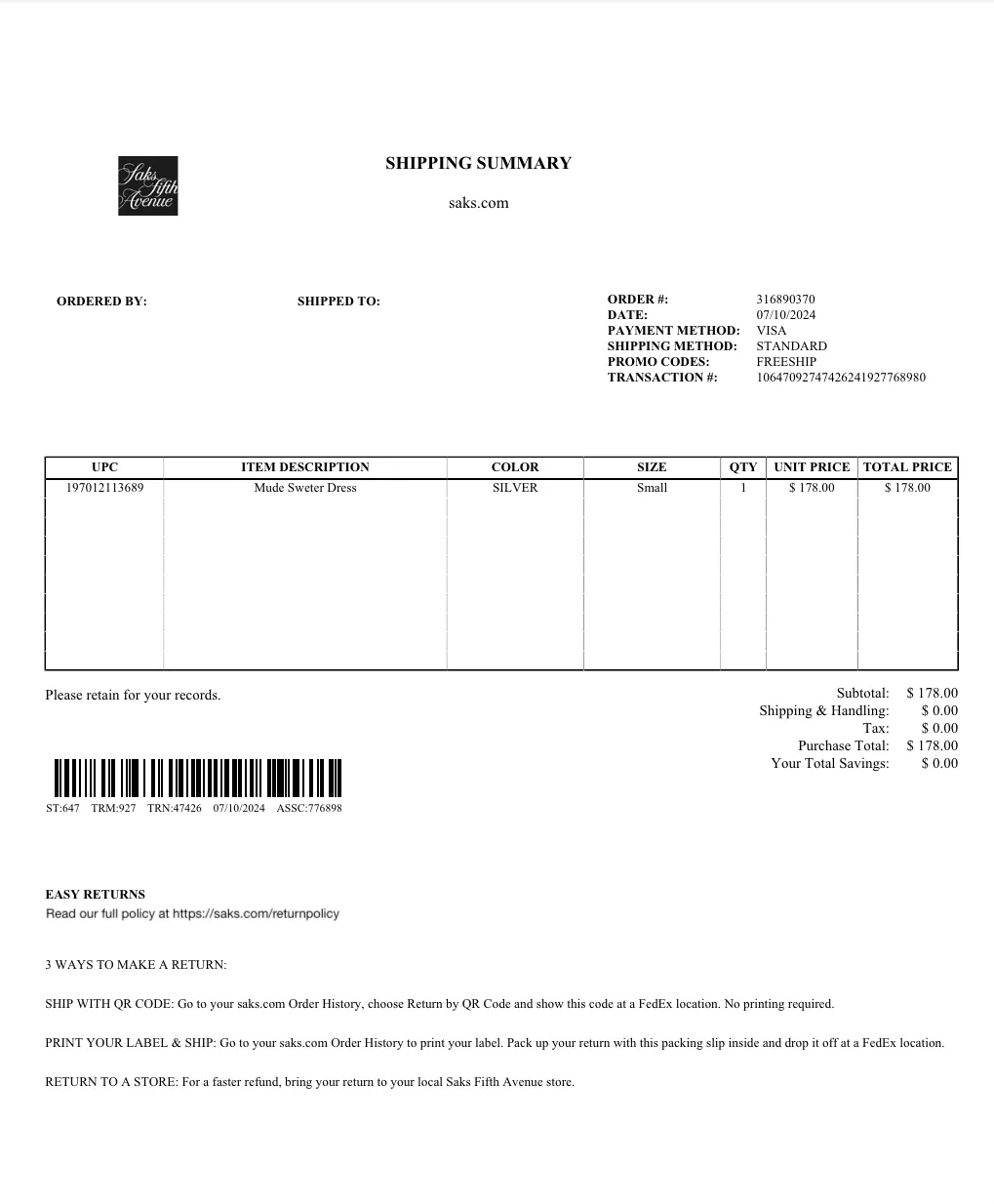
Packing Slips
The packing slip is a document that lists the items included in a package. The customer can take this slip into any Saks store to initiate a return. Saks generates this slip automatically after you have accepted the order. You will need to print this slip and include it in each shipment during the fulfillment process.
There are three ways to obtain your packing slip:
- From your store admin area in Mirakl by searching for the order. Go to My Orders > Orders to Process, select the order, click the Documents tab, and download the slip. (https://saksus2-dev.mirakl.net/mmp/shop/order)
- From your order confirmation email
- Via API OR73
An example of our packing slip: