Steps to Connect
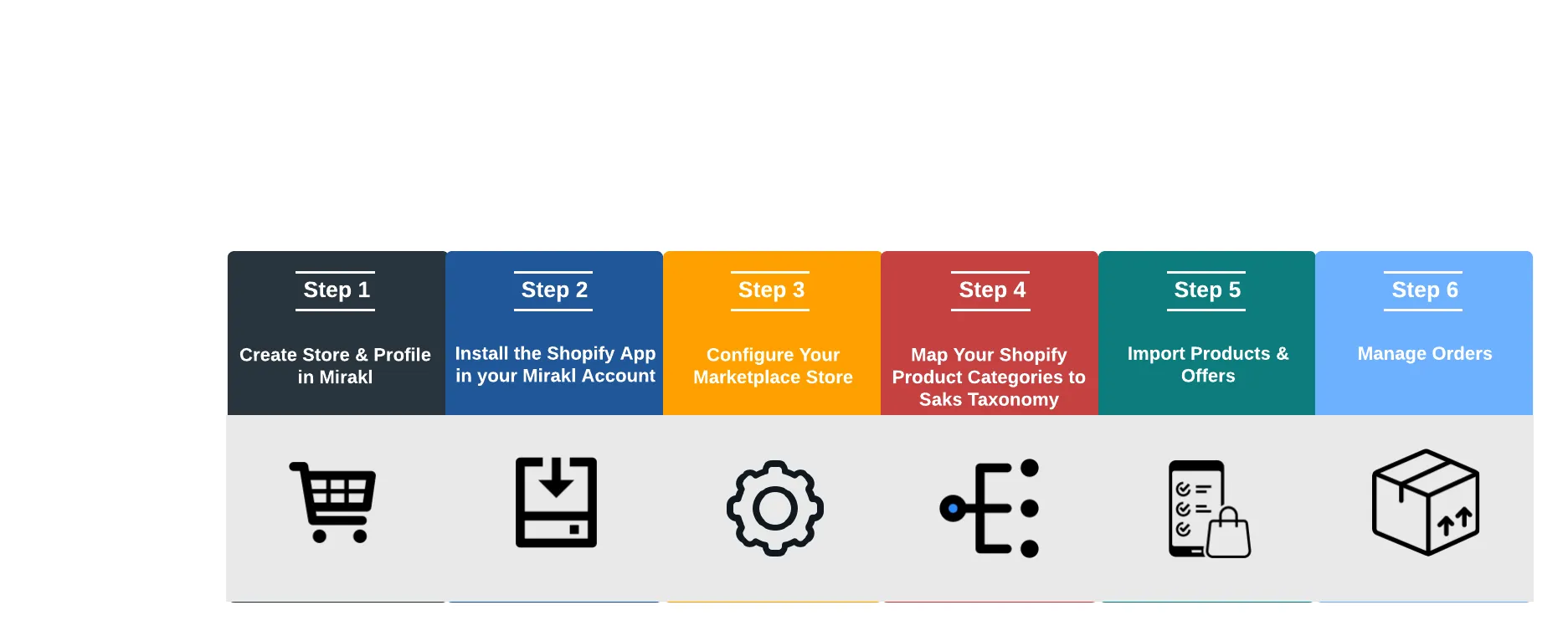
Step 1: Shop Creation
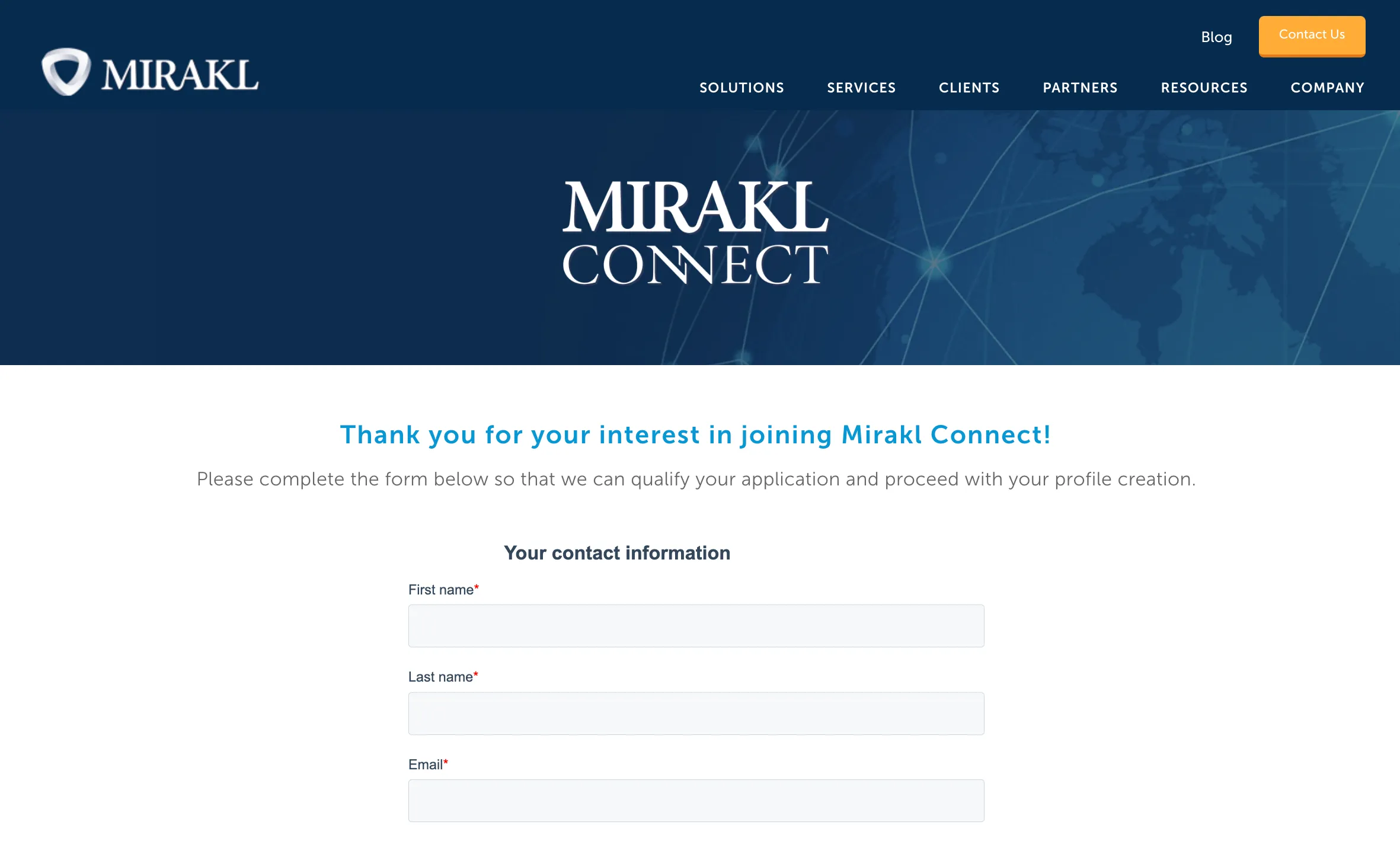
In order to utilize the Shopify app to sell on our marketplace, you will need to create an account through Mirakl Connect by filling out the form here. Once you have submitted your form, Saks will review and accept within 48 hours.
Once approved, you will receive an invitation email to configure your Shopify store either automatically (if one already exists in Mirakl) or manually.
Step 2: Shopify App Installation
To connect your Shopify store to Mirakl Connect, you install the Shopify app through either the Shopify app store or from within Mirakl Connect.
Once the app is installed, all your products will automatically be imported into Mirakl Connect.
- Products will sync between Shopify and Mirakl Connect every 5 minutes.
- Inventory will sync every 5 minutes, and other product info will sync every hour.

Step 3: Configure Your Marketplace Store
Sellers will be required to configure their settings through Mirakl Connect during the initial stages of setup.
1 - General Product Settings
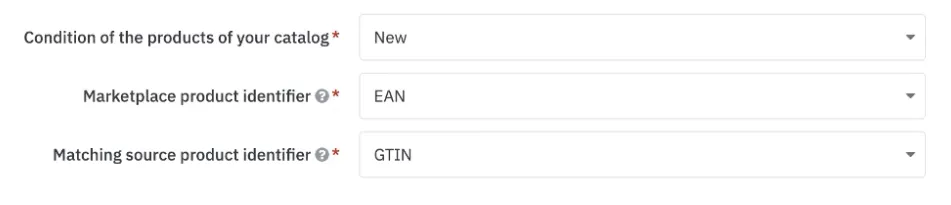
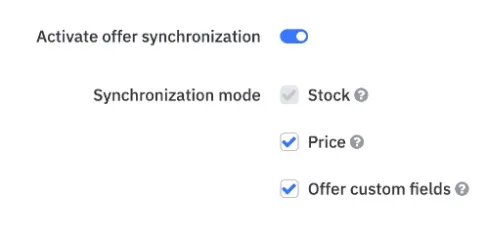
2 - Offer Synchronization (enabled by default)
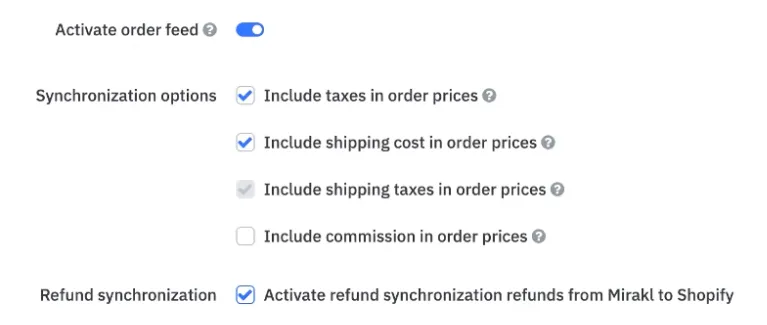
3 - Order Synchronization (enabled by default)
4 - Pricing Rules (optional)
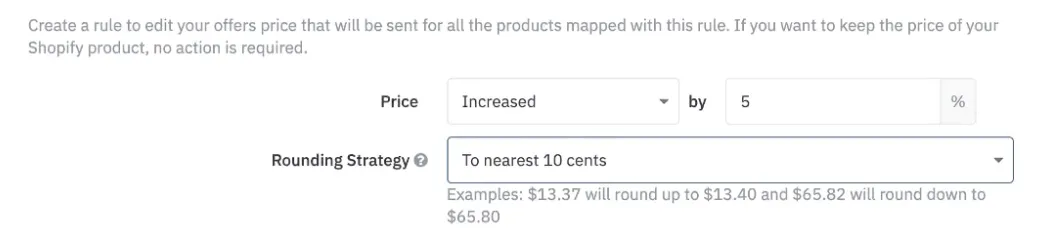
While pricing is at the discretion of the vendor, we do encourage parity with your own site as well as competitors to ensure customers have a consistent brand experience.
Step 4: Map Product Categories
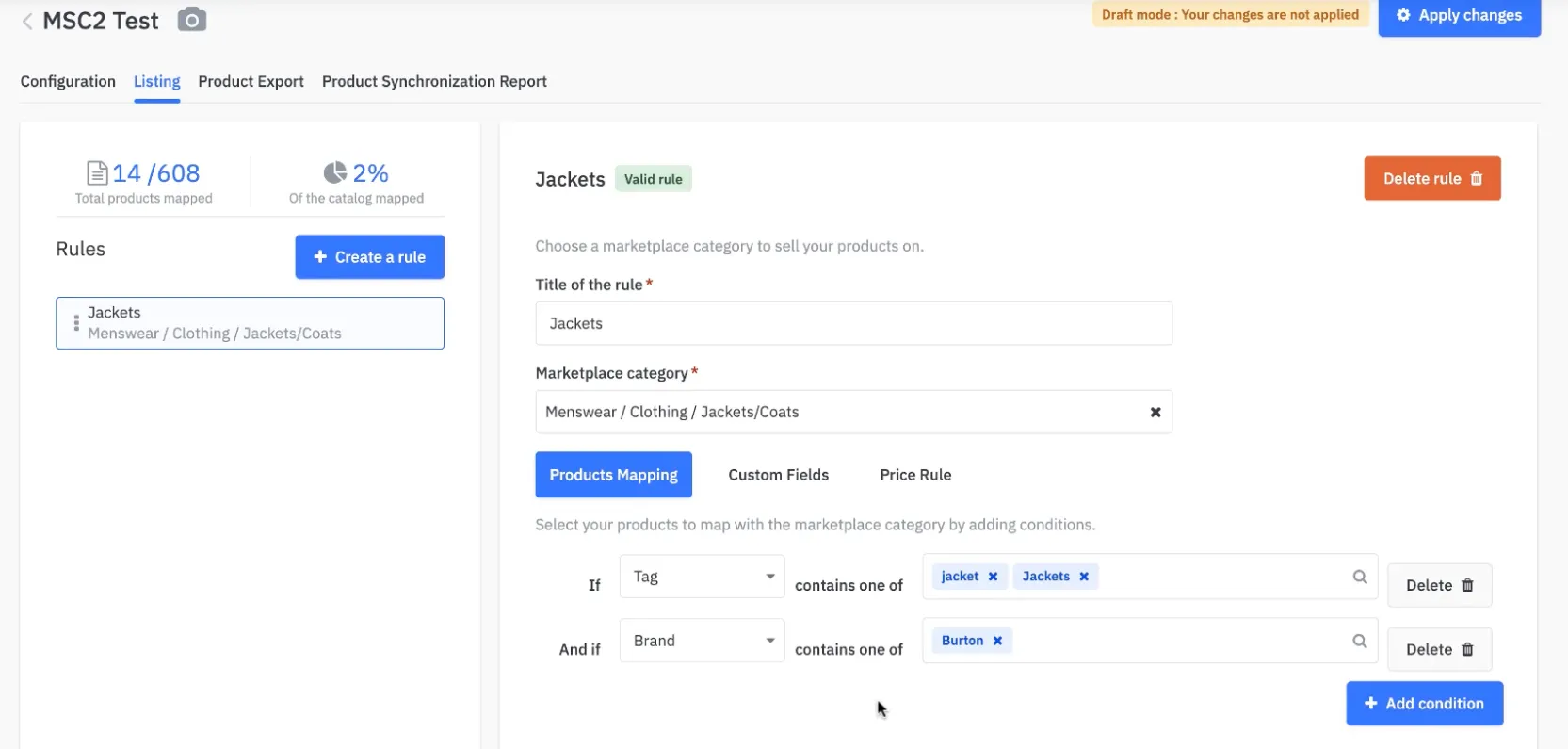
With your products now added to Mirakl Connect, you need to map these products to our catalog. This ensures your products are properly categorized with our taxonomy.
To help automate this task, you create rules in Mirakl to perform the mapping.
In the case where you have about 20% or less of our required attributes in your product database, it is suggested to use our product template after the initial mapping to help facilitate this step.
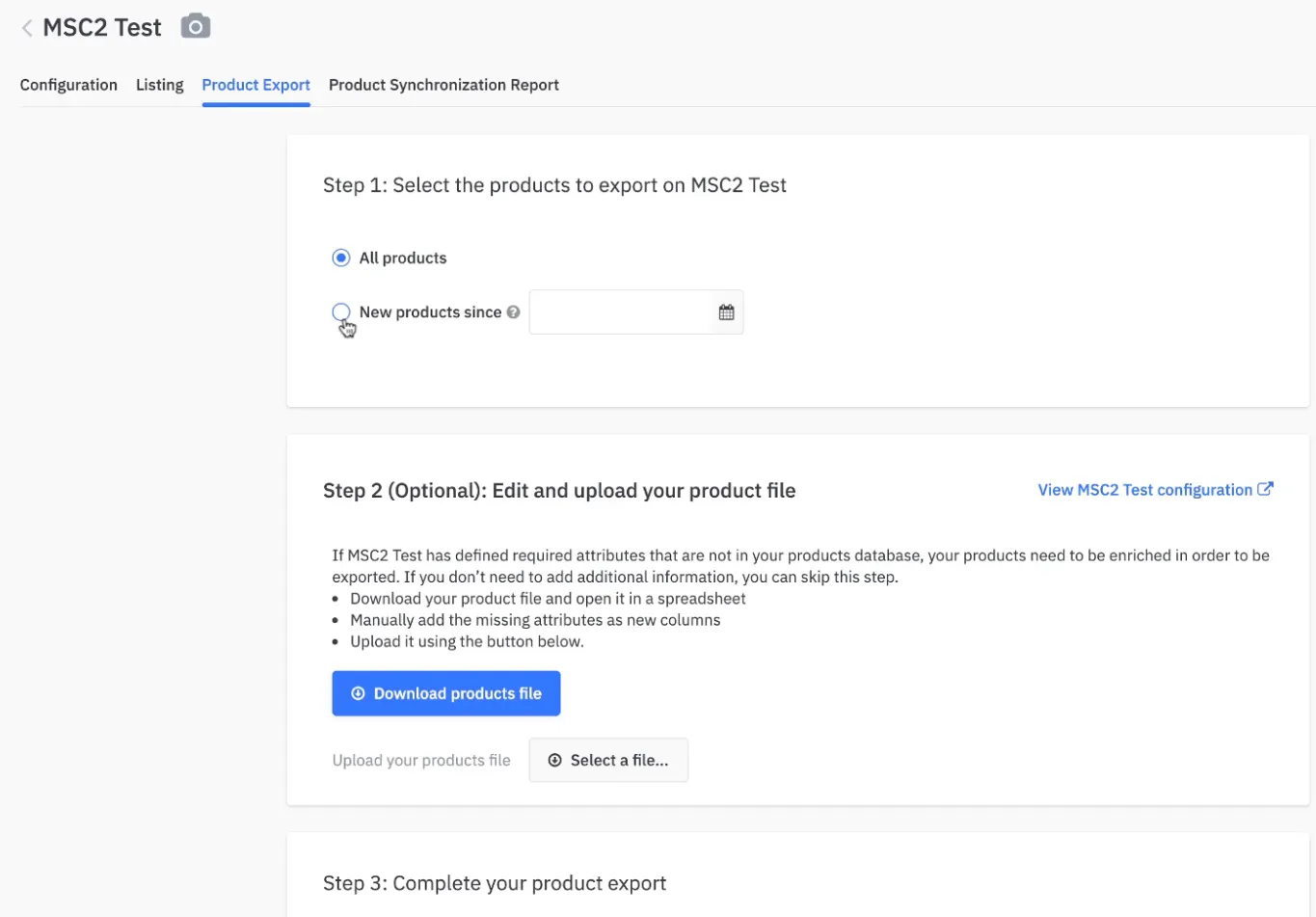
Step 5: Import Products
As a seller, you will be able to select the products within your shop to be included in our marketplace. Your selections will be reviewed and approved by the operations team prior to publishing to our marketplace.
- When you installed the Shopify connector in step 2, all your products were automatically imported into Mirakl Connect.
- You now need to import your product catalog into your Mirakl store (separate from your Mirakl Connect account). You do this by using a product template file provided by Saks.
Step 6: Manage Orders
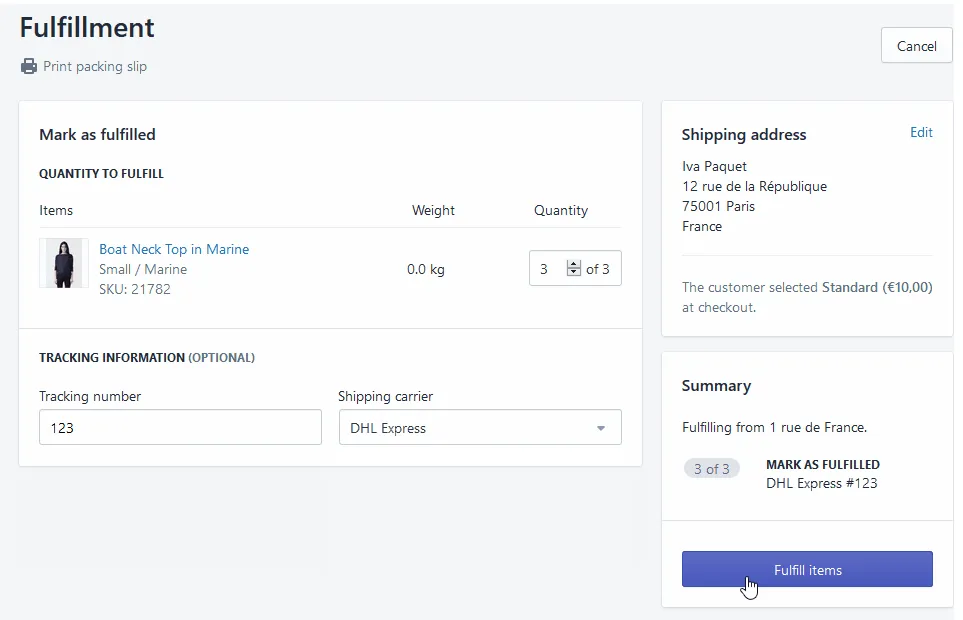
Once your assortment has been activated on Saks.com, you will begin receiving orders via Mirakl on Shopify. Mirakl sourced orders have a Mirakl badge for easy identification.
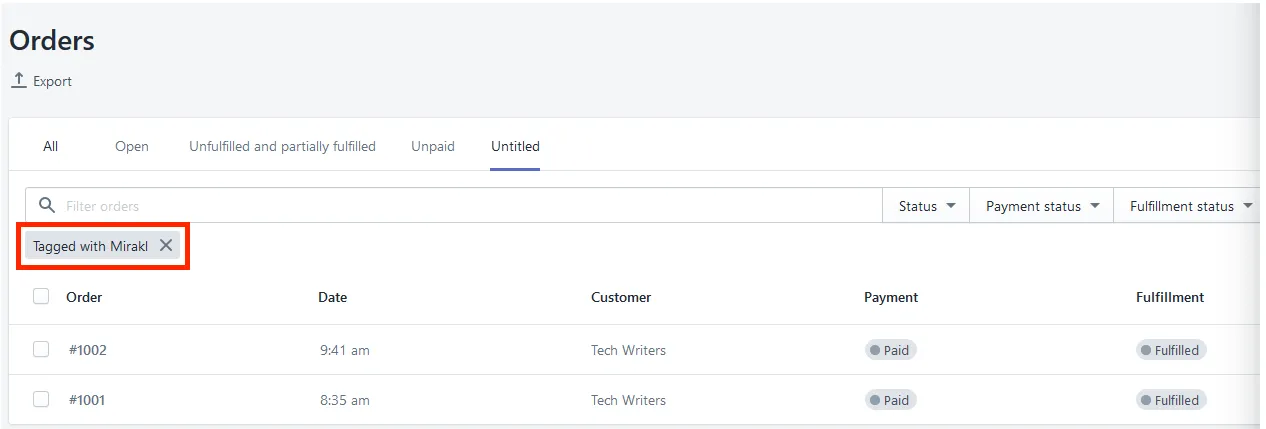
A customer order will be imported as pictured below. You will be able to fulfill this shipment systemically by entering in the quantity, tracking number and shipping carrier.